
This is a safety manual for printer, introduces the safety precautions for using printer, including power safety, electrostatic damage, temperature and humidity, surroundings
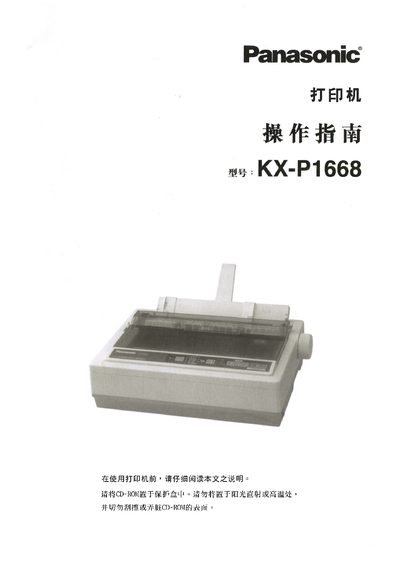
This manual explains how to install and connect the Panasonic KX-P1668 24‑pin dot matrix printer, configure the control panel, and select printing modes. It also covers safety precautions such as keeping the CD‑ROM dry, avoiding direct sunlight, and operating within specified temperature and humidity ranges.
Later sections describe regular maintenance, troubleshooting steps, technical specifications, interface details, and service center contact information for Panasonic printers in China, Hong Kong, and Taiwan. This manual is written in Chinese.
| Operating humidity | 30 % – 80 % RH |
|---|
Service centers are listed for Beijing, Shanghai, and other regions with phone numbers and email addresses.