
User manual for Panasonic DP-C405-PK, DP-C305-PK and DP-C265-PK multi‑function copiers covering operation, settings and maintenance.
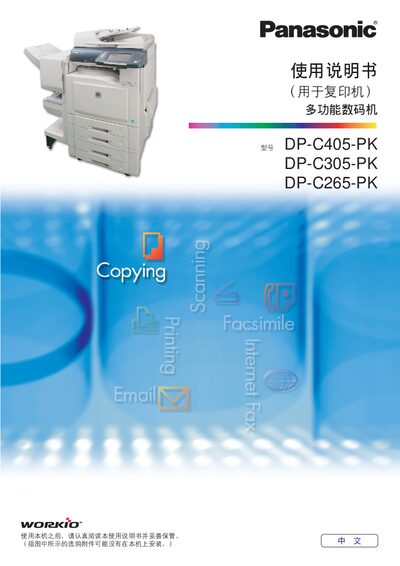
This manual provides step‑by‑step instructions for basic and advanced functions of Panasonic DP‑C series multi‑function copiers, including copying, printing, fax, scanning and file management. It explains how to select color modes, adjust image quality, set copy counts, and use optional features such as double‑sided copying and ADF.
The document also contains detailed menu descriptions, parameter settings, troubleshooting tips, and appendices with default values, memory settings, and service contact information. This manual is written in Chinese.
| Maximum copies per job | 999 copies |
|---|---|
| Maximum paper capacity | 100 sheets (80 g/m², A4) |
| Supported paper size | A4 |
You can set up to 999 copies for a single job.
The paper tray can hold up to 100 sheets of A4 paper (80 g/m²).
Select the double‑sided copy mode in the detailed menu and follow the on‑screen instructions.