
Panasonic DP-C322-PK User Manual, includes basic operation and detailed function instructions
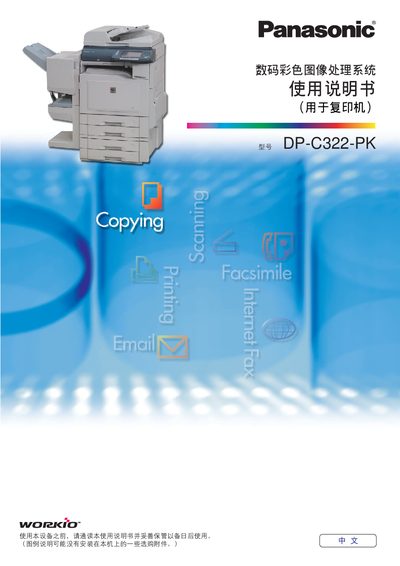
This manual describes the operation of the Panasonic DP-C322-PK digital color image treatment system (copier). It includes sections on basic operation, color mode selection, duplex printing, ADF usage, and the meaning of symbols used on the control panel. The document also lists the software and hardware components supplied with the machine.
The guide explains how to set up paper sizes, adjust copy counts, change color modes (full color, black‑white, two‑color, monochrome), and perform double‑sided copying. It provides step‑by‑step instructions for loading originals, using the ADF, and handling error messages, as well as a brief troubleshooting reference. This manual is written in Chinese.
| Maximum copy count | 999 copies |
|---|---|
| Duplex printing | Supported |
The copier can be set to copy up to 999 copies at a time.
Select the duplex printing mode; the manual provides steps under the "双面揚印模式" section.