
The Panasonic DP-8032-PK and DP-8025-PK printer user manual provides operating instructions, safety guidelines, and technical specifications.
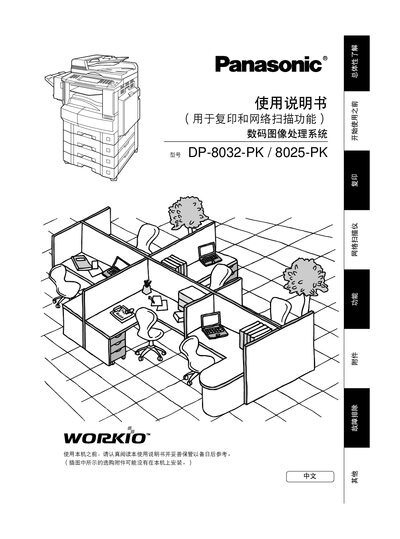
This manual explains how to set up and operate the Panasonic DP-8032-PK and DP-8025-PK printers, covering functions such as printing, scanning, and connectivity. It includes safety information for the Class 3B laser, handling of consumables, and proper placement of the device.
The document also lists technical specifications, maintenance procedures, and troubleshooting steps. Users can find details on supported paper sizes, print resolutions, power requirements, and memory capacity, as well as instructions for replacing parts and updating settings.
| Maximum printable size | A3 |
|---|---|
| Print resolution | 300 or 600 dpi |
| Power supply | 220‑240 V, 6.3 A |
| Image memory | At least 16 MB |
The printer contains a Class 3B invisible laser, so users must avoid exposure to the beam, keep the device away from flammable materials, and follow all safety warnings in the manual.
The printer can print at either 300 dpi or 600 dpi depending on the selected mode.
It requires a power supply of 220 V to 240 V at 6.3 A.