
This document is a user manual for Panasonic electronic scanning boards. The document includes installation instructions and usage precautions for the product. It also provides information on the quantity and types of accessories and attachments. The document also reminds users of the importance of data backup and provides recommendations for backing up data.
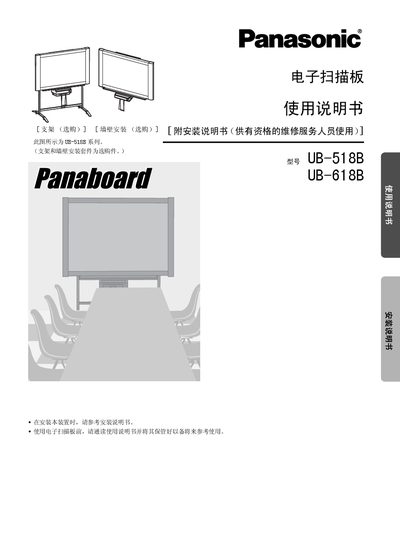
This manual covers safety precautions, required power cables, and proper handling of the electronic scan board. It explains how to install optional wall‑mount or stand kits, connect the USB cable, and load the supplied A4 paper roll.
Operating instructions describe the control panel functions, paper loading, scanning and printing processes, and how to adjust contrast and multi‑page copy settings. The document also includes routine cleaning, maintenance, troubleshooting of error codes, and a full specification table for both UB‑518B and UB‑618B models. This manual is written in Chinese.
| Dimensions (without stand) UB-518B | 1504 × 1550 × 253 mm |
|---|---|
| Dimensions (without stand) UB-618B | 1504 × 1912 × 253 mm |
| Weight (without stand) UB-518B | 34.5 kg |
| Operating Temperature | 10‑35 °C |
| Operating Humidity | 30‑80 % RH |
| Storage Temperature | -20‑60 °C |
| Scan Resolution | 1.6 × 1.7 dots/mm (UB‑518B) / 1.6 × 1.3 dots/mm (UB‑618B) |
| Print Resolution | 8 dots/mm |
| Paper Size | A4 |
| Paper Thickness | 65 µm |
A certified power cable meeting IEC 60227 (H05VV‑F 3G 1.0 mm²) must be used.
No, connecting two or more Panasonic scan boards to a single computer is not supported and may cause instability.
Immediately stop operation, turn off the power, unplug the power cord, and contact the dealer for service.