
This is a product manual for an electronic scanning board, covering the assembly, operation and installation of the product
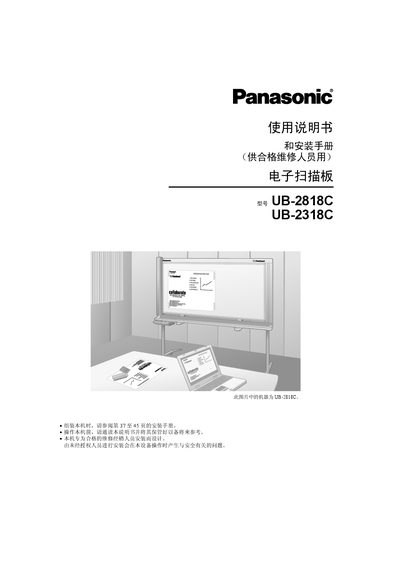
The Panasonic UB-2818C and UB-2318C are electronic scan boards mounted on color scanners. Posters, graphics and charts can be fixed with magnets and copied as data or printed. Scanned files or handwritten text and charts can be saved to a USB flash memory device or an SD memory card, printed through an external printer, or sent to a computer using the Panasonic-DMS TWAIN-compatible driver. The UB-2818C is the wide-size model and the UB-2318C is the standard-size model.
This manual gives safety notices, part names and functions, operating steps, settings, daily care and maintenance, and a troubleshooting guide. Installation must be carried out by qualified service personnel. It also lists specifications and optional accessories. This manual is written in Chinese.
| UB-2818C model size | Wide-size model |
|---|---|
| UB-2318C model size | Standard-size model |
| LED product class | Class 1 LED product |
| EMC class | Class A product |
It covers the Panasonic UB-2818C wide-size model and the UB-2318C standard-size model.
Scanned files or handwritten text and charts can be saved to a USB flash memory device or an SD memory card.
Installation must be performed by qualified service personnel.
The CD-ROM provides the Panasonic-DMS document management system and a TWAIN-compatible driver for scanning to a computer.