
This document is a user manual for Panasonic electronic scanning board UB-718B, including installation instructions and usage precautions. Optional brackets and wall mounting kits are also available. The scanning board comes with accessories such as colored pens, eraser, and power cord. It supports A4 copy paper rolls and software CD-ROM. Additionally, the document mentions warnings about data storage and safety precautions.
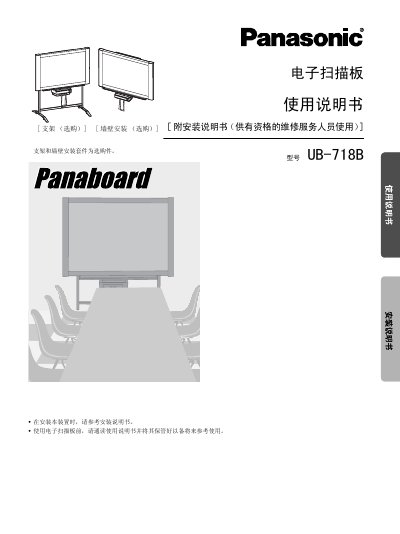
This manual covers safety precautions, installation steps for optional brackets and wall‑mount kits, and detailed operating instructions for the electronic scan board, including paper loading, scanning, printing and projection use. It also describes the control panel functions, USB interface, and software installation.
Additional sections provide routine maintenance, cleaning guidelines, specifications of the device, optional accessories, and a troubleshooting guide with error‑code explanations. This manual is written in Chinese.
| Dimensions (H×W×D, without bracket) | 1504 × 1648 × 287 mm |
|---|---|
| Weight (without bracket) | 41.0 kg |
| Operating Temperature | 10‑35 °C |
| Operating Humidity | 30‑80 % |
| PC Interface | USB 1.1 |
| Scanning Resolution | 1.6 × 1.7 dots/mm |
| Printing Resolution | 8 dots/mm (thermal) |
| Paper Thickness | 65 µm |
| Roll Core Diameter | ≥ 25.4 mm |
No. Connecting two or more UB‑718B units to one computer can cause the computer to become unstable.
Replacement paper rolls should have a core diameter of 25.4 mm or larger.
The device supports A4 size copy paper.