
User manual for the Panasonic UB‑T780 Elite Panaboard interactive display, covering safety, installation, software setup, operation and maintenance.
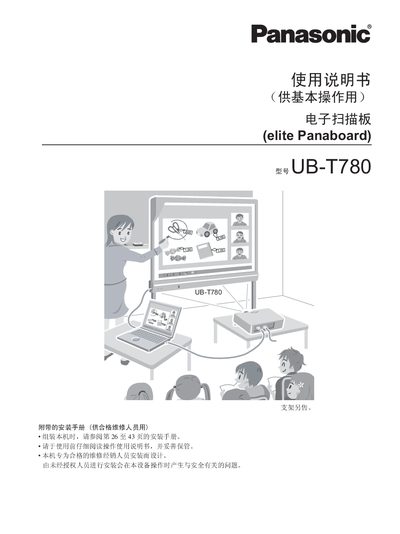
The Panasonic UB‑T780 Elite Panaboard is an electronic scanning board designed for classroom and business use. This manual provides safety guidelines, system requirements, installation steps, software configuration, and daily maintenance procedures.
It also includes detailed specifications, troubleshooting tips, and instructions for calibrating the interactive surface and using the electronic pen. All procedures are intended for qualified users and service personnel. This manual is written in Chinese.
| Model | UB‑T780 |
|---|---|
| Power Supply | AC 100 V–240 V, 50 Hz/60 Hz |
| Power Consumption | 0.1 A during operation |
| Dimensions (H×W×D) | 1,340 mm × 1,752 mm × 89 mm |
| Weight (with accessories) | 26 kg |
| Operating Temperature | 15 °C to 30 °C |
| Operating Humidity | 30 % to 80 % |
| Storage Temperature | -20 °C to 40 °C |
| Interface | USB 2.0 |
| Screen Size | 1,175 mm × 1,692 mm |
| Interactive Area | 1,165 mm × 1,502 mm |
| Pen Battery Type | AAA alkaline (LR03) Panasonic battery |
| Pen Battery Life | 30 hours at 25 °C continuous use |
The electronic pen is powered by a single AAA alkaline battery (Panasonic LR03).
A PC with a CD‑ROM drive, Intel Pentium II or newer CPU, Windows 2000 SP4/XP/Vista, USB 2.0, and at least 128 MB RAM (200 MB for Vista).