
This is an electronic scanning board user manual, which mainly introduces the product's safety precautions, precautions, parts names and functions, software installation, usage methods, troubleshooting and other contents.
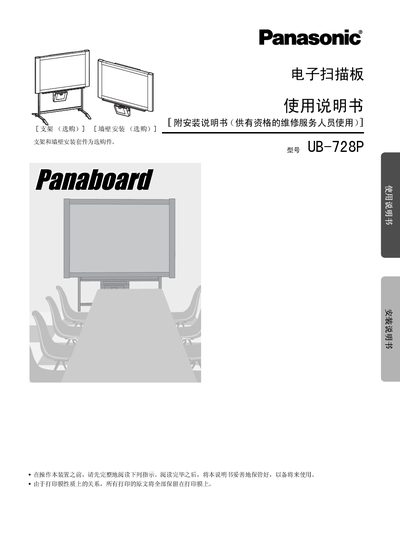
This manual covers safety precautions, required accessories, and detailed installation instructions for the UB-728P electronic scan board, including wall‑mounting and optional brackets. It also explains how to install the thermal transfer film, load copy paper, and connect the device to a computer via USB.
Operating procedures such as copying, scanning, adjusting contrast, and using a projector are described, along with routine maintenance, cleaning, and troubleshooting tips. The specification section lists dimensions, weight, environmental limits, and performance data. This manual is written in Chinese.
| Dimensions (H×W×D) | 1396 × 1648 × 264 mm |
|---|---|
| Weight | 42.5 kg |
| Operating Temperature | 10‑35 °C |
| Storage Temperature | -20‑60 °C |
| Scanning Resolution | 1.6 × 1.7 points/mm |
| Print Resolution | 8 points/mm |
| Paper Size | A4 |
| USB Interface | USB 1.1 |
| Maximum Wall‑Mount Load | 1,275 N (130 kgf) |
The device can copy continuously from 1 to 9 sheets without a paper‑out indication.
Each replacement roll (UG‑6001) is about 50 m long and can produce roughly 150 copies.
The wall must be able to support at least 1,275 N (130 kgf) for the UB‑728P.