
This document is a user guide for the Kodak EasyShare C340 digital camera, which introduces the appearance of the camera, the functions of each component, and the operation methods of camera settings, shooting, transferring, and printing.
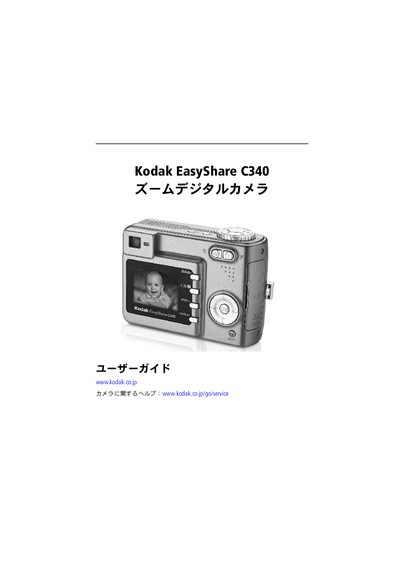
This manual provides step‑by‑step instructions for setting up the Kodak EasyShare C340, including battery installation, power‑on procedures, and basic camera controls. It also covers how to configure language, date, and time settings.
Further sections describe how to capture photos and videos, use flash and zoom, transfer images to a computer via USB, print directly with a dock, and perform troubleshooting and maintenance tasks such as battery care and firmware upgrades. This manual is written in Japanese.
| Battery types | CRV3 lithium (non‑rechargeable), AA NiMH (×2), AAA NiMH (×2) |
|---|---|
| Memory card support | SD or MMC (sold separately) |
Open the battery cover, insert the battery, close the cover, then press the power button as shown in the setup steps.
Connect the camera to the computer with the supplied USB cable and follow the on‑screen prompts to copy the images.
Select the language and date/time options from the menu; the manual provides the steps under "2回目以降の言語と日付プ時刻の設定".