
This user guide explains how to charge your camera, install storage cards, turn on the camera power, set language and date/time, take photos, view photos/videos, and transfer photos/videos.
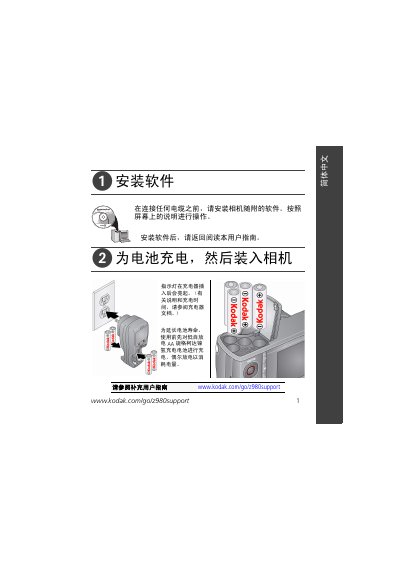
This manual guides you through installing the EasyShare software, charging the AA‑size Kodak Ni‑MH rechargeable battery, and inserting an SD or SDHC memory card (up to 32 GB). It also explains how to power the camera, set language and date/time, and use the various shooting modes, including the vertical grip for portrait composition.
Additional sections cover viewing and playing back photos and videos, transferring files to a computer via the Kodak USB cable (model U‑8), accessing the built‑in help system, and details on warranty, FCC/Industry Canada compliance, and proper recycling of the device. This manual is written in Chinese.
| Weight | 415 g (14.6 oz) |
|---|---|
| Maximum Memory Card Capacity | 32 GB |
| Battery Type | AA‑size Kodak Ni‑MH rechargeable battery |
Insert the battery into the charger; the indicator light will turn on. Refer to the charger documentation for charging time.
Insert the card in the correct direction; forcing it in the wrong way can damage the card. Do not insert or remove the card while the camera is powered on.
The camera supports SD or SDHC cards up to 32 GB.