
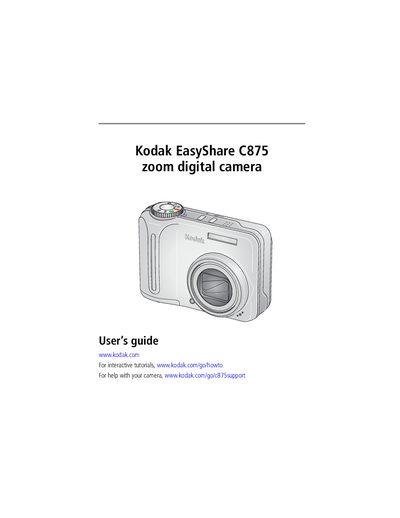
This manual covers everything you need to start using the Kodak EasyShare C875 digital camera, from installing the supplied software to loading the battery and inserting an SD or MMC card. It walks you through basic functions such as taking photos and videos, using the zoom lever, flash, and various shooting modes.
Additional sections explain how to transfer and print pictures, customize settings, run slide shows, and resolve common problems. Safety information, battery handling, and warranty details are also included.
| Battery type | CRVS lithium 2 AA lithium or Ni‑Mn |
|---|---|
| Storage media | Slot for optional SD or MMC card |
| Zoom control | Zoom lever W (wide angle) and T (telephoto) |
Before connecting any cables, install the supplied software and follow the on‑screen instructions.
Insert a CRVS lithium 2 AA lithium or Ni‑Mn battery into the battery compartment; use the included charger if you have one.