
The document provides information on installing software, battery types, camera settings, taking photos and videos, viewing photos and videos, transferring photos and videos, and learning more about the camera for Kodak C433.
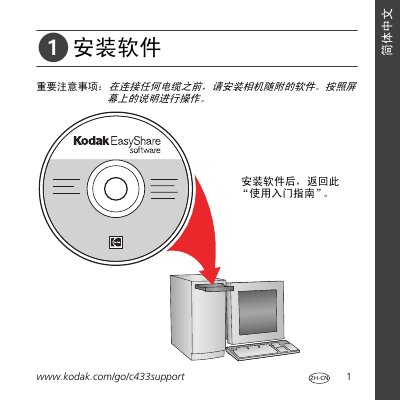
This guide walks you through installing the EasyShare software, inserting batteries, powering on the camera, and configuring language, date, and time settings. It also explains how to shoot photos and video, review media on the LCD, and use optical zoom.
Additional sections describe transferring images via USB or the EasyShare dock, front‑ and rear‑view diagrams of the camera, battery options, storage media, and regulatory information such as FCC and warranty terms. This manual is written in Chinese.
| Battery type | CRV3 lithium (non‑rechargeable) or NiMH rechargeable; two AA cells (rechargeable or non‑rechargeable) |
|---|---|
| Storage media | Removable SD or MMC memory card |
| Optical zoom range | Up to 3× optical zoom |
| FCC classification | Class B digital device |
Install the software that came with the camera before connecting any cables, following the on‑screen instructions.
Connect the camera with the USB cable to the EasyShare dock (or directly to the PC) and use the EasyShare software to transfer the files.
It uses a CRV3 lithium (non‑rechargeable) or NiMH rechargeable battery, plus two AA cells that can be either rechargeable or non‑rechargeable.