
This manual introduces the features and characteristics of the Kodak EasyShare C743/C703 zoom digital camera, including the usage methods and photography techniques.
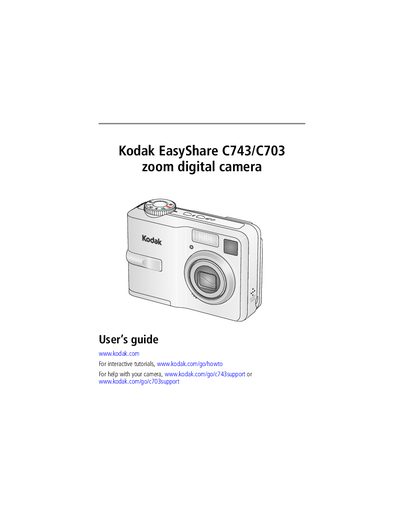
This guide covers everything you need to get started with the Kodak EasyShare C743/C703 camera, including attaching the strap, inserting batteries, turning the camera on, and configuring language, date, and time settings. It also describes the camera’s buttons, LCD, viewfinder, and optional accessories such as the AC adapter and SD/MMC cards.
Further sections explain how to take photos and videos, use zoom and exposure features, transfer images via USB, print pictures, and troubleshoot common issues. Helpful links to online support and software updates are provided throughout.
| Power input | DC‑In 3 V for optional AC adapter |
|---|---|
| Storage media | Optional SD or MMC card |
| Connectivity | USB, A/V Out |
Press the power button to turn the camera on.
Thread the strap through the strap post and secure it.
Connect the camera to the computer with the USB cable and follow the transfer instructions.
See the "5 Troubleshooting" section of the guide for help with common problems.