
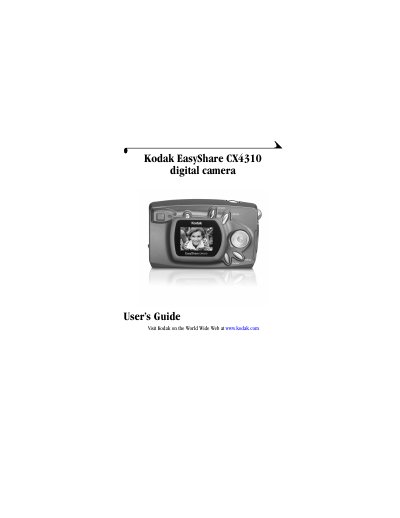
This User's Guide describes the Kodak EasyShare CX4310 digital camera. It opens with the camera package contents, then shows the front and back of the camera with the location of the shutter button, flash unit, on/off switch, self timer light, viewfinder, LCD, 4-way arrow/zoom/OK buttons, card door and the USB, DC in and video out connectors. Setup steps include attaching the wrist strap and lens cap, loading batteries, turning the camera on and off, selecting a language, setting the clock and inserting an SD/MMC card.
The guide then explains the camera modes: taking pictures in capture mode with liveview and quickview, flash and digital zoom, reviewing pictures in review mode, tagging pictures for print, email and favorites in share mode, and customizing settings in setup mode. Later chapters cover installing the EasyShare software, connecting to a computer, using the optional Kodak EasyShare camera dock II, troubleshooting, getting help and an appendix with camera and dock specifications, factory settings, maintenance tips and storage capacities.
| Pixel Resolution (Best quality) | 3.2 MP, 2080 x 1544, 1/5 JPEG compressed |
|---|---|
| Pixel Resolution (Good quality) | 0.8 MP, 1024 x 768, 1/5 JPEG compressed |
| Picture File Format | EXIF 2.2 (JPEG compression) |
| Picture Storage | 16 MB internal memory; MMC or SD card, optional |
| Viewfinder | Optical — Reverse Galilean |
| ISO Sensitivity | 100 |
| Flash Range | 1.6 to 9.8 ft (0.5 to 3 m) |
| Tripod Socket | .25 in. (6 mm) threaded |
| Video Out | NTSC or PAL |
| Operating Temperature | 32 to 104 °F (0 to 40 °C) |
You must install the Kodak EasyShare software on the computer before connecting the camera or transferring pictures.
It uses an optional MMC (MultiMedia) or SD card, in addition to 16 MB of internal memory.
The flash range is 1.6 to 9.8 ft (0.5 to 3 m).
Go to http://www.kodak.com/go/cx4310support, open the Manuals section, click View as PDF and print with Fit to Page or a 200% scale.