
This is a user manual for Kodak EasyShare LS753 zoom digital camera.
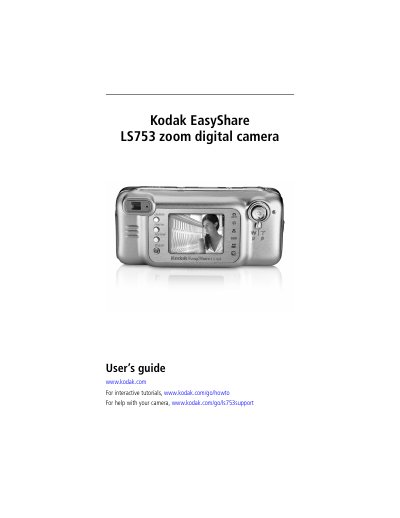
This user guide walks you through getting started with the Kodak EasyShare LS753 digital camera, including unpacking, charging the Li‑Ion battery, and installing the EasyShare software. Detailed instructions cover turning the camera on and off, selecting shooting modes, using the optical zoom, and customizing settings.
Later sections describe how to transfer images to a computer, share pictures online, print directly from the camera or a dock, and troubleshoot common issues. An appendix provides full camera specifications and safety information.
| Image sensor | 1/2.5 in. CCD |
|---|---|
| Maximum image resolution | 2560 × 1920 (5 MP) |
| LCD display | 1.8‑in. hybrid LCD, 560 × 240 pixels |
| Optical zoom | 2.8× (f/3.0–4.9) |
| Battery type | Li‑Ion rechargeable (KLIC‑5000) |
| Memory card slot | SD/MMC (optional) |
The camera accepts an optional SD or MMC card inserted into the dedicated slot.
The camera provides a 2.8× optical zoom, covering a focal length range of 36–100 mm (35 mm equivalent).