
The document is a user guide for the KODAK DX3500 digital camera, providing information on the camera's features and usage.
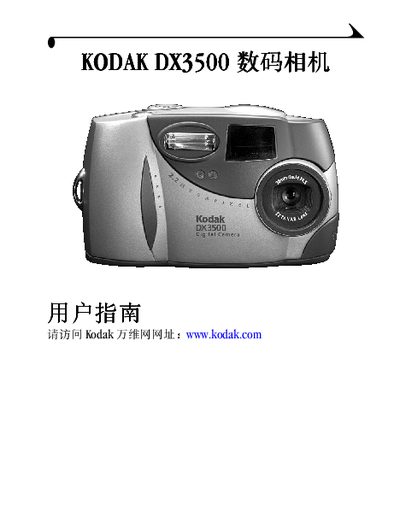
This manual explains how to set up and operate the Kodak DX3500 digital camera, covering basic functions such as shutter control, LCD display, flash operation, and menu navigation. It also describes how to use accessories like the Camera Dock for transferring images to a computer.
Additional sections cover troubleshooting procedures, safety information, and technical specifications of the camera, helping users resolve common issues and understand the device’s capabilities. This manual is written in Japanese.
| Storage capacity | 71 |
|---|
Press the Flash button to activate the flash for illumination.
Attach the Camera Dock to the camera and connect it to the computer via USB.