
The KODAK DC5000 Zoom Digital Camera User’s Guide introduces the camera's weatherproof and rugged design, allowing for use in any weather conditions. The camera is designed to be weatherproof and can be safely used in the rain, at pool-side or the beach, and at construction sites or areas with excessive dirt or dust. It is important to note that the camera is weatherproof, not waterproof, and should not be submerged in water or have water poured over it. The guide provides cautions for ensuring the proper sealing of the camera's doors and buttons, as well as instructions for cleaning the rubber seals to prevent water leakage and ensure optimal performance.
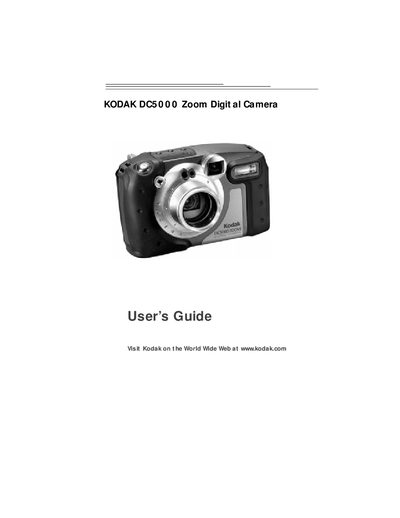
The guide explains the camera’s weather‑proof and rugged design, safety precautions, battery and memory‑card handling, and how to keep the rubber seals clean and dry. It also covers proper use in rain, at the beach, or on dusty construction sites while warning that the camera is not waterproof.
Additional sections describe how to customize picture settings, review and delete images, install Kodak software on Windows or Macintosh computers, connect via USB or serial cable, troubleshoot common issues, and obtain warranty and support information.
No, the camera is weatherproof but not waterproof and should not be submerged in water.
Use a clean lint‑free cloth to wipe off any dust, sand, or hair that may accumulate on the rubber seals.
Remove the batteries and lens glass cover, let the camera dry completely, and do not apply power until it is fully dry.