
This document provides information on the features and user guide of the KODAK D4000 Duplex Photo Printer.
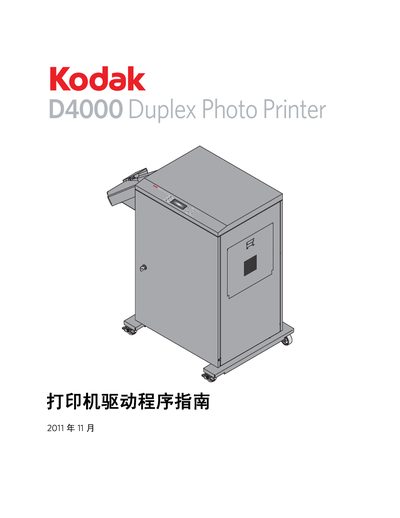
This manual provides step‑by‑step instructions for installing, configuring, and uninstalling the driver software for the Kodak D4000 Duplex Photo Printer on Windows systems. It also includes hardware and software requirements, supported page sizes, and calibration procedures.
The document is organized into sections on driver installation, usage on Windows XP and Windows 7, hardware requirements, page‑size options, and a troubleshooting guide that lists common error messages and their solutions. This manual is written in Chinese.
| Required firmware version | 3.0 or higher |
|---|---|
| Interface | USB 2.0 |
| Supported operating systems | Windows XP, Windows 7 |
The driver supports Windows XP and Windows 7.
A USB 2.0 interface is recommended.
Use the uninstall procedure described in the manual for Windows XP or Windows 7, following the steps under the "卸載 WINDOWS XP/7 操作系銃中的打印机下区程序" section.