
This Quick Start Guide shows how to install software, insert battery, charge the battery, turn on the camera, set the language, date/time, take pictures/record videos, review pictures/videos, and transfer pictures/videos.
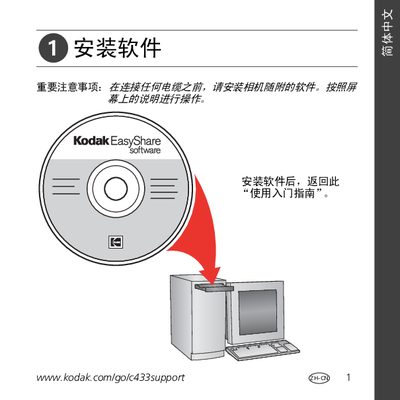
This guide walks you through installing the Kodak EasyShare software on your computer, connecting the EasyShare USB dock, and configuring the system for photo transfer. It includes screenshots and notes on required drivers and compatibility.
Additional sections cover how to review and edit photos, troubleshoot common issues, and where to find online support and accessory information on Kodak’s website. This manual is written in Chinese.
| Compatible devices | Kodak EasyShare cameras |
|---|---|
| Connection interface | USB |
Compatibility details are listed on Kodak’s website at www.kodak.com/qo/dockcompatibiliy.
Use the Review function (査看) as described on page 5 of the guide.
Visit Kodak’s support pages such as www.kodak.com/go/easysharecenter for tutorials and FAQs.