
Key facts
- Manuals
- 15
- Models
- 4
- Languages
- ZH · EN
- Last added
- 2026-11-05
Geeetech models by category
Featured Geeetech manuals
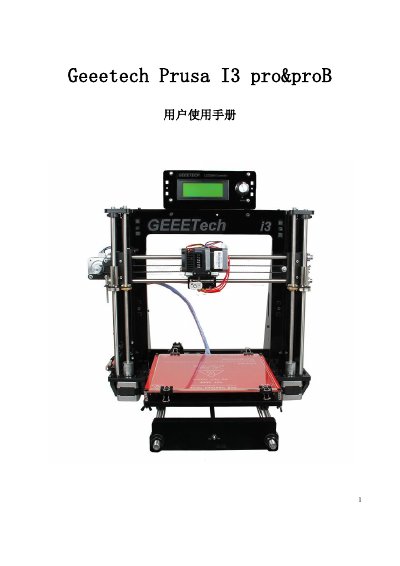
Geeetech Prusa I3 Pro & ProB 3D Printer User Manual
This manual is for the Geeetech Prusa I3 Pro & ProB 3D printer, published by Shenzhen Jietai Technology Co., Ltd. It provides instructions for installing the printer, connecting it to a computer, and configuring the control software Repetier-Host. The document also includes driver installation steps for the GT2560 board. This manual is written in Chinese.
Covers: Copyright · Safety Declaration · Software Resources · Connecting the Printer · Printer Configuration · Firmware Flashing
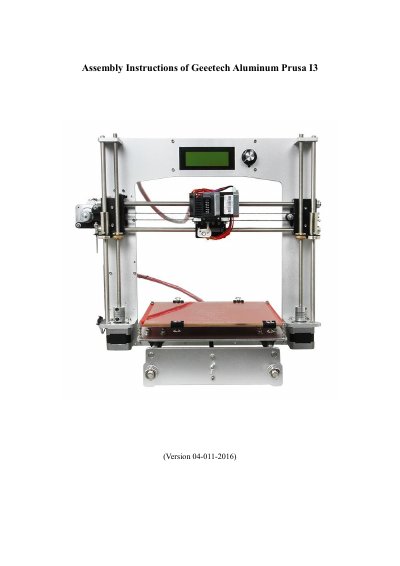
Geeetech Aluminum Prusa I3 3D Printer Assembly Instructions
This manual provides detailed instructions for assembling the Geeetech Aluminum Prusa I3 3D printer, covering safety precautions, unpacking, and step-by-step assembly of components like axes, extruder, heated bed, and wiring. It includes tips for calibration and troubleshooting to ensure proper printer function. The document is designed for users with basic mechanical skills and includes warnings about electrical and thermal hazards during assembly and operation.
Covers: Safety Instructions · Preparation · Unfold the box and check the package · Assemble Y axis · Build the printing platform · Assemble Y smooth rods
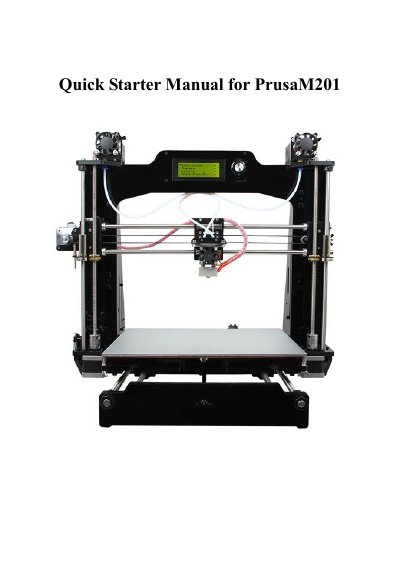
Geeetech Prusa M201 Quick Starter Manual
This manual guides users through installing USB drivers, downloading Repetier-Host, configuring printer settings, and testing printer functions. It includes sections on homing, motor directions, heating, extruder operation, LCD setup, bed leveling, slicing, and troubleshooting common issues like extrusion blockages or heating problems. The guide also covers custom gradient printing and printer settings adjustments for optimal performance.
Covers: Install USB Driver · Download and install Repetier-Host · Repetier-Host setting · Function test · Heat bed leveling · Slice 3r setting
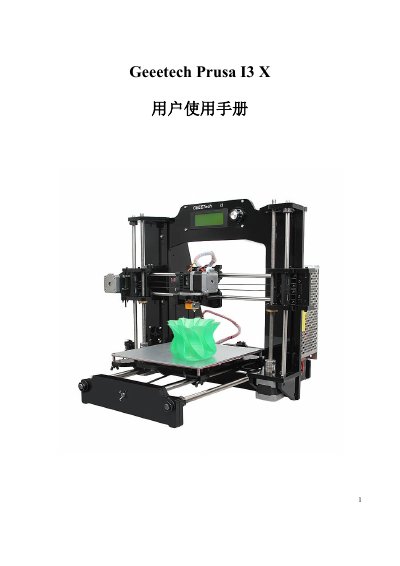
Geeetech Prusa I3 X 3D Printer User Manual
This user manual is for the Geeetech Prusa I3 X 3D printer. It covers essential safety precautions, such as handling high temperatures and electrical voltages, before installation and operation. The document guides users through the initial setup process, including installing control software like Repetier-Host and necessary drivers. This manual is written in Chinese.
Covers: Copyright · Safety Declaration · Software Resources · Connecting the Printer · Printer Configuration · Firmware Flashing
Latest Geeetech manuals
Geeetech Prusa I3 Pro & ProB 3D Printer User Manual
User Manual 48 pages · 3.9 MB · ZHThis user manual covers the installation, configuration, software usage, and safety guidelines for the Geeetech Prusa I3 Pro & ProB 3D printer.
Geeetech Aluminum Prusa I3 3D Printer Assembly Instructions
User Manual 59 pages · 3.2 MB · ENStep-by-step guide for assembling the Geeetech Aluminum Prusa I3 3D printer, including safety, preparation, and component installation.
Geeetech Prusa M201 Quick Starter Manual
Quick Start Guide 52 pages · 3.5 MB · ENQuick setup guide for Geeetech Prusa M201 3D printer, covering USB driver, Repetier-Host installation, settings, and troubleshooting.
Geeetech Prusa I3 X 3D Printer User Manual
User Manual 48 pages · 3.8 MB · ZHThis manual provides instructions for installing, connecting, configuring, and operating the Geeetech Prusa I3 X 3D printer, including software setup and…
Geeetech Delta Rostock Mini Quick Start Guide
User Manual 50 pages · 4 MB · ZHThis quick start guide covers firmware modification, upload steps, printer preparation, and settings for the Geeetech Delta Rostock mini 3D printer.
GEEETECH Easy Print 3D Printing Control Software User Manual
User Manual 38 pages · 1.8 MB · ZHUser manual for GEEETECH Easy Print 1.0.14 Beta, covering installation, interface navigation, model editing, and firmware updates.
Geeetech A30 3D Printer User Manual
User Manual 68 pages · 3 MB · ZHUser manual for Geeetech A30 3D printer covering setup, printing, Wi-Fi, troubleshooting, and technical specs.
Geeetech GT2560 Rev A+ 3D Printer Control Board User Manual
User Manual 25 pages · 1.4 MB · ENUser manual for the Geeetech GT2560 Rev A+ 3D printer control board, covering hardware resources, interface specifications, development environment setup…
Geeetech Prusa I3 Pro & Pro B User Manual
User Manual 46 pages · 3.8 MB · ENThis manual provides safety instructions, assembly guidance, software setup for Repetier Host and Arduino IDE, printer configuration settings, and…
Geeetech A10 3D Printer User Manual
User Manual 49 pages · 3.3 MB · ZHThis manual provides assembly instructions, first print guides, LCD menu introduction, and troubleshooting for the Geeetech A10 3D Printer.
Geeetech A10M 3D Printer User Manual
User Manual 59 pages · 4.3 MB · ENThis manual provides assembly, operation, and troubleshooting instructions for the Geeetech A10M 3D printer.
Geeetech A30T 3D Printer User Manual
User Manual 59 pages · 5 MB · ENThis manual provides assembly, operation, and troubleshooting instructions for the Geeetech A30T 3-in-1-out FDM 3D printer.
Geeetech Prusa I3 A pro 3D Printer Assembly Manual
Other 55 pages · 3.1 MB · ZHThis manual provides step-by-step assembly instructions for the Geeetech Prusa I3 A pro 3D printer, covering mechanical construction, wiring, and…
Geeetech Prusa I3 X Assembly Manual
User Manual 97 pages · 6.1 MB · ZHThis manual provides step-by-step instructions for assembling the Geeetech Prusa I3 X 3D printer, including safety warnings and parts verification.
GEEETECH Prusa I3 M201 3D Printer User Manual
User Manual 68 pages · 5 MB · ZHThis manual provides instructions for software setup, printer configuration, functional testing, bed leveling, and troubleshooting for the GEEETECH Prusa I3…
Which document do I need?
User Manual
Day-to-day operation, settings and troubleshooting. Start here if the product is already set up.
Quick Start Guide
The shortest path to a working setup, usually only a few pages.
Questions answered in Geeetech manuals
How to flash firmware?
Use Arduino IDE to flash the firmware if the printer's firmware needs to be re-flashed due to issues.
From: Geeetech Prusa I3 Pro & ProB 3D Printer User Manual
How to change motor direction in firmware?
Modify the configuration.h file by changing true to false or vice versa for the specific axis (e.g., INVERT_X_DIR).
From: Geeetech Prusa I3 Pro & ProB 3D Printer User Manual
What is the voltage of the power supply for this printer?
The printer runs on 12V supplied by a certified power supply.
From: Geeetech Aluminum Prusa I3 3D Printer Assembly Instructions
What is the maximum temperature of the extrusion nozzle?
The extrusion nozzle can run about 230° C.
From: Geeetech Aluminum Prusa I3 3D Printer Assembly Instructions
Homing direction or motor direction is reversed.
Modify the logic value of corresponding motor in the menu of control > printer settings of LCD. Change the motor direction of corresponding axis from True to False or change it from False to True. Choose store memory.
Extruder can’t be heated.
Check if the power supply works normally, if there is poor contact between the heating wire and the socket, if there is an open circuit in the hot end and heating wire, or if the MOSFET may be burned-out.