
Geeetech Aluminum Prusa I3 3D Printer Assembly Instructions

Step-by-step guide for assembling the Geeetech Aluminum Prusa I3 3D printer, including safety, preparation, and component installation.
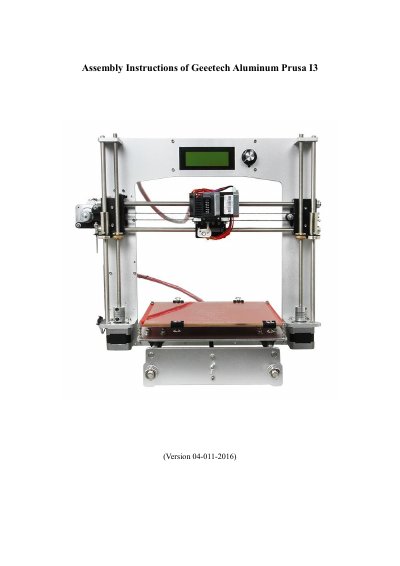

Geeetech Aluminum Prusa I3 3D Printer Assembly Instructions - cover page
Brand
Geeetech
Document type
User Manual
Language
English
Pages
59
File format
PDF
File size
3.2 MB
Published
02 November, 2026
Updated
02 November, 2026
MD5 checksum
1AE4FE68A532E0BE11918C7CAEC45451

About this manual

This manual provides detailed instructions for assembling the Geeetech Aluminum Prusa I3 3D printer, covering safety precautions, unpacking, and step-by-step assembly of components like axes, extruder, heated bed, and wiring. It includes tips for calibration and troubleshooting to ensure proper printer function. The document is designed for users with basic mechanical skills and includes warnings about electrical and thermal hazards during assembly and operation.

What's inside

  • Safety Instructions
  • Preparation
  • Unfold the box and check the package
  • Assemble Y axis
  • Build the printing platform
  • Assemble Y smooth rods
  • Mount the Y-axis belt
  • Assemble Z-axis stepper motor
  • Attach the heated bed
  • Mount the fan

Frequently asked questions

What is the voltage of the power supply for this printer?

The printer runs on 12V supplied by a certified power supply.

What is the maximum temperature of the extrusion nozzle?

The extrusion nozzle can run about 230° C.

Where is the control board mounted on the printer?

The control board is mounted on the right back of the printer.

Download PDF (3.2 MB)

More Geeetech Manuals


View all Geeetech manuals →