
Key facts
- Brand
- Geeetech
- Model
- A30
- Documents
- 2
- Languages
- ZH · EN
- Last added
- 2023-10-21
Start here
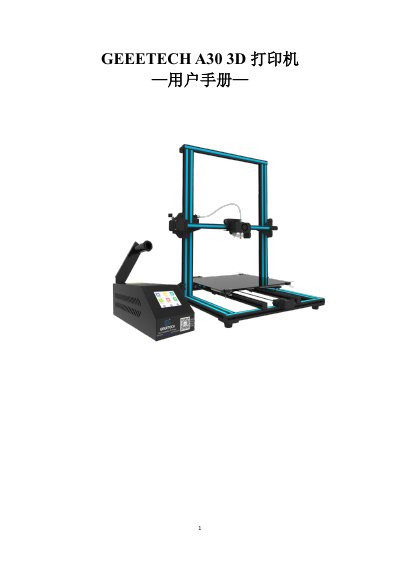
Geeetech A30 3D Printer User Manual
This user manual guides users through operating the Geeetech A30 3D printer, including touchscreen controls, print preparation, Wi-Fi setup with EasyPrint 3D App, and troubleshooting. It details safety warnings, calibration, and technical specifications such as print volume and resolution. The printer supports offline printing via TF card, Wi-Fi control, and USB connection for software integration. This manual is written in Chinese.
Read onlineGeeetech A30 specifications
| Print Volume | 320*320*420mm |
|---|---|
| Print Resolution | 0.05mm |
| Print Speed | 80-110mm/s |
| Control Interface | 3.2" Touchscreen |
| Supported Filaments | PLA, ABS, Nylon, Wood Filament |
All Geeetech A30 documents by type
Day-to-day operation, settings and troubleshooting. Start here if the product is already set up.
Questions answered in these manuals
How do I connect the printer to Wi-Fi?
Install the EasyPrint 3D app, bind the printer to the app, then connect the app to the printer via Wi-Fi.
What is the print resolution of the Geeetech A30?
The print resolution is up to 0.05mm.
What causes abnormal extrusion?
Abnormal extrusion can be caused by tangled filament, insufficient nozzle temperature, carbonized residue inside the nozzle, or insufficient heat dissipation from the radiator.
How do I fix a layer shift?
To fix a layer shift, slow down the printing speed, tighten loose belts on the X or Y axis, adjust eccentric nuts if synchronization wheels are not fixed, or increase the driver voltage.