
Quick setup guide for Geeetech Prusa M201 3D printer, covering USB driver, Repetier-Host installation, settings, and troubleshooting.
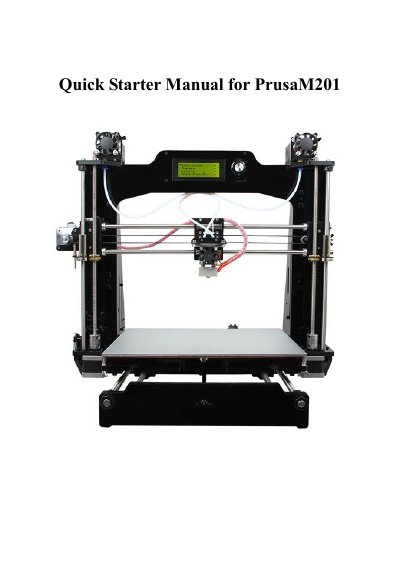
This manual guides users through installing USB drivers, downloading Repetier-Host, configuring printer settings, and testing printer functions. It includes sections on homing, motor directions, heating, extruder operation, LCD setup, bed leveling, slicing, and troubleshooting common issues like extrusion blockages or heating problems. The guide also covers custom gradient printing and printer settings adjustments for optimal performance.
Modify the logic value of corresponding motor in the menu of control > printer settings of LCD. Change the motor direction of corresponding axis from True to False or change it from False to True. Choose store memory.
Check if the power supply works normally, if there is poor contact between the heating wire and the socket, if there is an open circuit in the hot end and heating wire, or if the MOSFET may be burned-out.
Check if the temperature setting is proper, if the hot end cannot dissipate heat, if the nozzle tip and heat bed are too close, if the filament faces large resistance, or if the extruder motor torsion is insufficient. Adjust potentiometer on A4988 to enhance current. If blocked, heat extruder, press lever to pull out filament, clean nozzle, and reinsert feeding pipe.