
This quick start guide covers firmware modification, upload steps, printer preparation, and settings for the Geeetech Delta Rostock mini 3D printer.
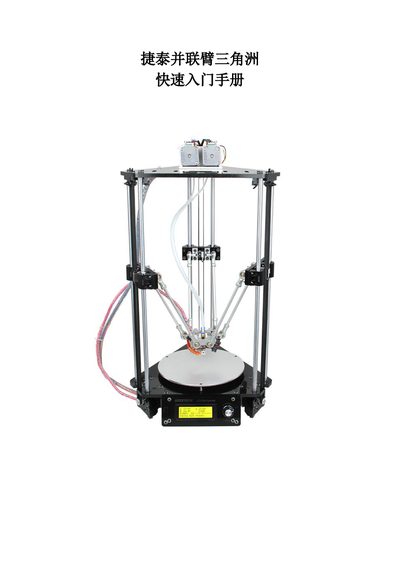
This manual serves as a quick start guide for the Geeetech parallel-arm delta 3D printer (Delta Rostock mini G2/G2S). It is designed for DIY assembly users and covers essential procedures such as modifying and uploading firmware, preparing the print bed, and configuring software settings. The document emphasizes that parameters may vary based on the specific unit and advises following instructions strictly. This manual is written in Chinese.
The guide supports Firmware for Delta Rostock mini G2 (single delta) and Firmware for Delta Rostock mini G2S (double delta).
Users should select the COM6 port with a baud rate of 250000 in Repetier Host.
The GT2560 motherboard is used, requiring the installation of FIDI drivers and selection of Arduino Mega or Mega 2560 in the IDE.