
This manual introduces the assembly, use, precautions and maintenance of the A10M 3D printer.
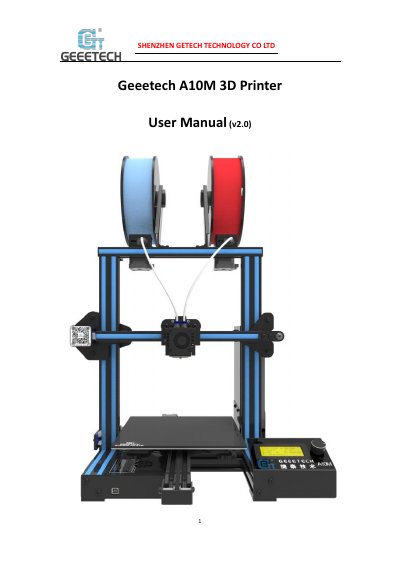
The Geeetech A10M is a desktop 3D printer manufactured by Shenzhen Getech Technology Co., Ltd. This user manual covers safety precautions, factory testing procedures, and detailed assembly steps including frame construction, wiring connections, and power input configuration.
Once assembled, the guide explains how to perform initial setup tasks such as leveling the print bed and conducting a first test print using SD card or USB printing methods. It also introduces the LCD menu functions and provides troubleshooting advice for common issues like abnormal extrusion, layer shifting, and print stoppages.
Check for tangled filament, ensure the nozzle temperature is sufficient, replace carbonized residue with a spare nozzle, verify cooling fan operation, or reduce printing speed.
Slow down the printing speed, tighten loose belts on the X or Y axis, adjust eccentric nuts if synchronization wheels are not fixed firmly, or increase driver voltage.
Signal interference may occur, so copying the model file to an SD card and printing via that method is recommended.