
This document is Geeetech Prusa I3 pro & pro B User Manual, which introduces the use and precautions of the product
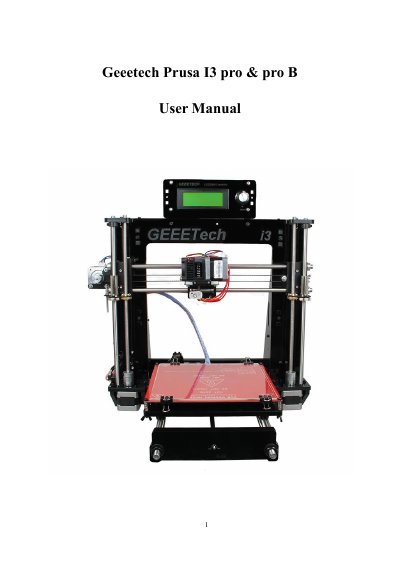
The Geeetech Prusa I3 pro & pro B User Manual covers essential safety precautions regarding high temperatures (nozzle up to 230°C) and electrical currents. It details the initial setup process, including installing necessary software drivers like Repetier Host 1.6.0 and FT232RQ for the GT2560 motherboard.
You need to use the Arduino IDE (version 1.0.1 recommended) to burn the firmware onto the printer's motherboard.
The printer's maximum printing volume is 200 * 200 * 180 (length / width / height).
To avoid collision during tests, the recommended speed of the Z-axis should not be too high; a setting of 1000mm/min is suggested.