
This manual mainly introduces the function, interface and usage method of GEEETECH GT2560 Rev A+ main board, as well as the development environment setting method and burning method.
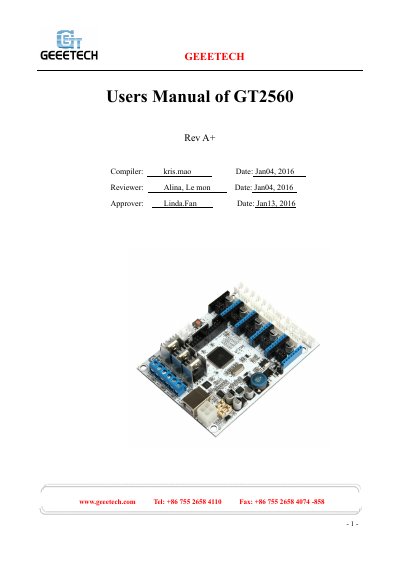
The Geeetech GT2560 Rev A+ is a compact control board integrated with the functions of the Arduino Mega2560, designed specifically for 3D printing applications. It features an ATmega2560 processor, supports 12V to 24V operation for higher torque, and includes swappable driving modules for up to 5 stepper motors. The board is equipped with A4988 drivers, temperature sensors, and interfaces for LCDs and SD cards to enable standalone printing.
| Operating Voltage | 12V to 24V |
|---|---|
| Processor | ATmega2560 |
| Memory | 256k |
| Operating Frequency | 16MHz |
| Stepper Drivers | 5 A4988 |
| Weight | 87 g |
| Dimensions | 109mm*80mm*22mm |
| Max Extruders | 2 |
At most 2 extruders. The board supports 5 A4988 stepper motor drivers, which are used for the X/Y/Z axes and the two extruders.
You need to use a 12V-24V power supply. For a single extruder, the total power should be no less than 200W; for dual extruders, no less than 240W.
By default, the motor will not turn until the temperature of the extruder reaches 170°C.