
This manual is for Geeetech A10 3D printer, it contains the product features, functions, operations and other information.
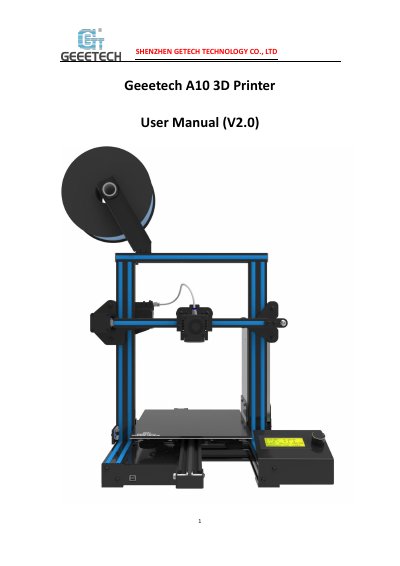
This document is the official user manual for the Geeetech A10 3D Printer. It covers essential topics including safety instructions, factory testing notes, and detailed assembly procedures for the main frame, wire connections, and power input checks. The guide also explains how to check the filament and perform the first print by leveling the platform. This manual is written in Chinese.
Abnormal extrusion can be caused by tangled filament, a nozzle temperature that is too low, carbonized residue inside the nozzle, insufficient cooling fan operation, or a printing speed that is too fast.
To fix a layer shift, slow down the printing speed, tighten loose belts on the X or Y axis, adjust meter screws if the synchronization wheel is not fixed, or increase the drive voltage if it is too low.
If the print stops during USB printing, the signal may be interfered with, so you should copy the model to an SD card and print via the SD card slot.