
Key facts
- Brand
- Geeetech
- Model
- M201
- Industry
- Electronics
- Documents
- 2
- Languages
- EN · ZH
- Last added
- 2026-11-02
Start here
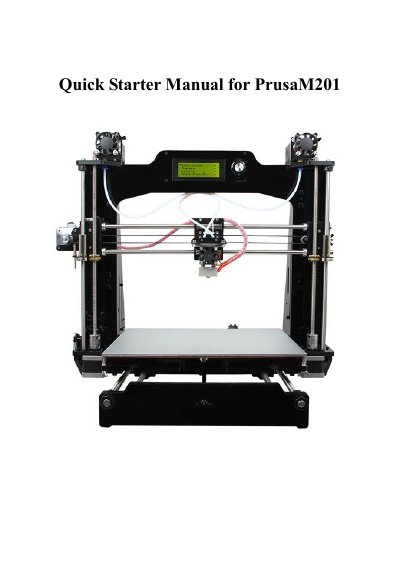
Geeetech Prusa M201 Quick Starter Manual
This manual guides users through installing USB drivers, downloading Repetier-Host, configuring printer settings, and testing printer functions. It includes sections on homing, motor directions, heating, extruder operation, LCD setup, bed leveling, slicing, and troubleshooting common issues like extrusion blockages or heating problems. The guide also covers custom gradient printing and printer settings adjustments for optimal performance.
Read onlineAll Geeetech M201 documents by type
The shortest path to a working setup, usually only a few pages.
Day-to-day operation, settings and troubleshooting. Start here if the product is already set up.
Questions answered in these manuals
Homing direction or motor direction is reversed.
Modify the logic value of corresponding motor in the menu of control > printer settings of LCD. Change the motor direction of corresponding axis from True to False or change it from False to True. Choose store memory.
Extruder can’t be heated.
Check if the power supply works normally, if there is poor contact between the heating wire and the socket, if there is an open circuit in the hot end and heating wire, or if the MOSFET may be burned-out.
What voltage is required for the printer's power supply?
The printer is powered by a qualified 12V power supply, and all operations should be conducted below 12V voltage.
What is the maximum temperature of the hotend nozzle?
The hotend nozzle temperature can reach up to 240°C during the 3D printing process.