
This user manual covers the installation, configuration, software usage, and safety guidelines for the Geeetech Prusa I3 Pro & ProB 3D printer.
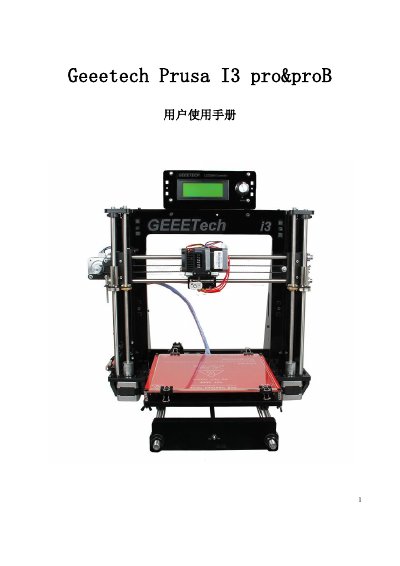
This manual is for the Geeetech Prusa I3 Pro & ProB 3D printer, published by Shenzhen Jietai Technology Co., Ltd. It provides instructions for installing the printer, connecting it to a computer, and configuring the control software Repetier-Host. The document also includes driver installation steps for the GT2560 board. This manual is written in Chinese.
| Max Print Size | 200*200*180 (L/W/H) |
|---|---|
| Hotend Temperature | Up to 230°C |
| Heated Bed Temperature | Up to 110°C |
| Operating Voltage | 12V |
| Input Voltage | 110V or 220V |
| Control Software | Repetier-Host V1.6.0 |
| Board Driver | FT232RQ |
| Recommended Firmware Tool | Arduino IDE |
Use Arduino IDE to flash the firmware if the printer's firmware needs to be re-flashed due to issues.
Modify the configuration.h file by changing true to false or vice versa for the specific axis (e.g., INVERT_X_DIR).
The recommended control software is Repetier-Host version 1.6.0.