
This Geeetech A30T 3D Printer User Manual(V1.00) is the user manual for the Geeetech brand A30T 3D printer, which mainly introduces the product's safety use, printing parameters, assembly, first printing, touch screen menu, software settings, color mixer, function introduction and FAQs.
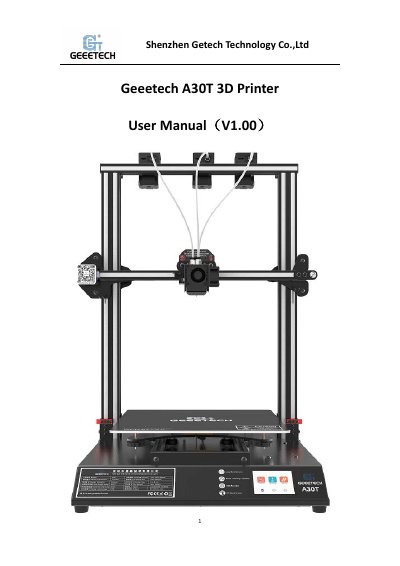
The Geeetech A30T is a 3-in-1-out FDM 3D printer featuring three extruders with optical filament run-out sensors and an optional 3D Touch auto bed leveling system. The device supports printing with ABS, PLA, and other filaments using a 0.4mm nozzle diameter.
| Printing technology | FDM |
|---|---|
| Nozzle quantity | 3-in-1-out single nozzle |
| Printing volume | 320*320*420mm3 |
| Filament diameter | 1.75mm |
| Power input | 115/230VAC 50/60Hz |
| Touch screen size | 3.2-Inch Full-color |
Abnormal extrusion can be caused by tangled filament, insufficient nozzle temperature, carbonized residue inside the nozzle, or insufficient heat dissipation from the radiator.
To fix a layer shift, slow down the printing speed, tighten loose belts on the X or Y axis, adjust eccentric nuts if synchronization wheels are not fixed, or increase the driver voltage.
Prints may stop via USB due to signal interference; switching to TF card printing can resolve this issue.