
GEEETECH A30 3D printer user manual, introduces the printer's features, usage methods, common problem solving methods, etc.
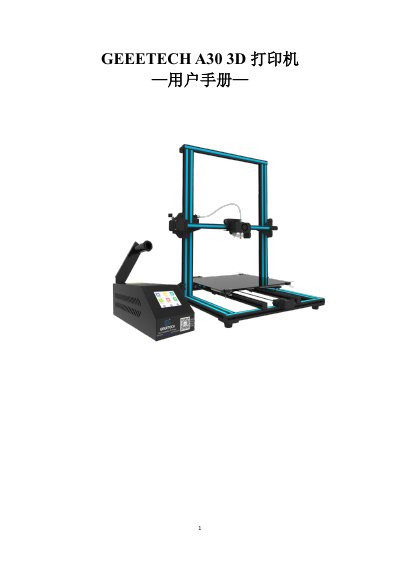
This user manual guides users through operating the Geeetech A30 3D printer, including touchscreen controls, print preparation, Wi-Fi setup with EasyPrint 3D App, and troubleshooting. It details safety warnings, calibration, and technical specifications such as print volume and resolution. The printer supports offline printing via TF card, Wi-Fi control, and USB connection for software integration. This manual is written in Chinese.
| Print Volume | 320*320*420mm |
|---|---|
| Print Resolution | 0.05mm |
| Print Speed | 80-110mm/s |
| Control Interface | 3.2" Touchscreen |
| Supported Filaments | PLA, ABS, Nylon, Wood Filament |
Install the EasyPrint 3D app, bind the printer to the app, then connect the app to the printer via Wi-Fi.
The print resolution is up to 0.05mm.
Yes, you can print offline using a TF card.