
This document is the user manual for PrusaI3 M201, including software resources, connecting the printer, printer configuration, printer function tests, bed leveling, slicing parameter settings, starting printing, and introduction to gradient color printing.
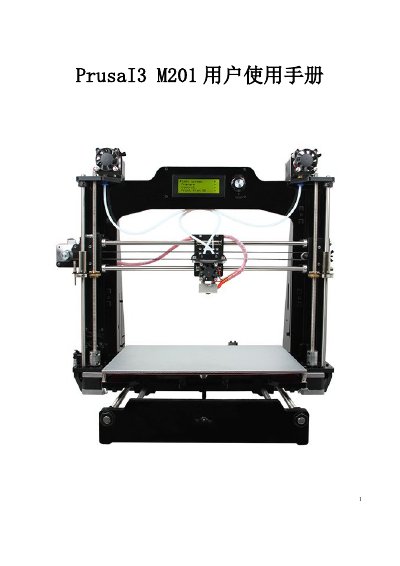
This user manual covers the complete setup and operation of the GEEETECH Prusa I3 M201 3D printer. It includes instructions for installing control software and drivers, connecting the device to a computer, and configuring printer settings such as speed and extruder parameters. The guide also details how to perform functional tests for motors and heating elements. This manual is written in Chinese.
The printer is powered by a qualified 12V power supply, and all operations should be conducted below 12V voltage.
The hotend nozzle temperature can reach up to 240°C during the 3D printing process.
It is recommended to set the Z-axis speed to no more than 1000mm/min to prevent collisions during testing.