
Key facts
Start here
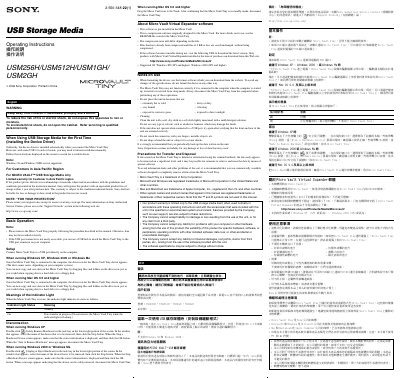
SONY USM256H/US512H/USM1GH/USM2GH USB Storage Media Operation Manual
This document provides operating instructions for the Sony Micro Vault Tiny USB storage media, specifically models USM256H, US512H, USM1GH, and USM2GH. It details the installation of device drivers for various operating systems and explains how to safely connect and disconnect the device to prevent data loss.
Read onlineAll SONY USM1GH documents by type
Day-to-day operation, settings and troubleshooting. Start here if the product is already set up.
Questions answered in these manuals
Can I remove the device while the light is flashing?
No, do not remove the Micro Vault Tiny while the indicator light is flashing, as data transfer is in progress.
From: SONY USM256H/US512H/USM1GH/USM2GH USB Storage Media Operation Manual
How do I safely remove the device on Windows XP?
Double-click the Safely Remove Hardware icon in the task tray, select the device name, click Stop, and wait for the Safe to Remove Hardware message.
From: SONY USM256H/US512H/USM1GH/USM2GH USB Storage Media Operation Manual
Which operating systems are supported by the Sony Micro Vault Tiny USB flash drive?
Supported operating systems include Windows Vista, Windows XP, Windows 2000, and Mac OS 9.0 and higher. Windows 98 and Windows 98SE are not supported.
From: Sony USM512H/USM1GH/USM2GH/USM4GH USB Flash Drive Operating Instructions
What does the indicator light mean when it is on?
When the indicator light is on, data transfer is in progress and the Micro Vault Tiny should not be removed while the light is flashing.
From: Sony USM512H/USM1GH/USM2GH/USM4GH USB Flash Drive Operating Instructions