
This is a user manual that introduces the usage of DCR-IP5/IP7BT digital video camera recorder. Main features include shooting animation or still images and playback, reading images with a computer, and accessing the Internet via Bluetooth devices.
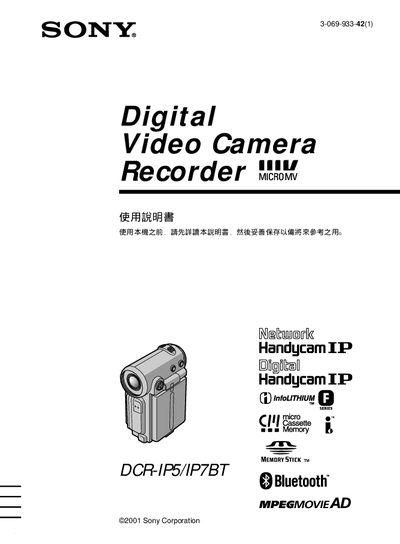
This manual explains how to operate the Sony DCR‑IP5 and DCR‑IP7BT camcorders, covering basic power‑on procedures, menu navigation, and recording functions. It also details optional features such as i.LINK, USB, and Bluetooth connectivity for the DCR‑IP7BT model.
Safety precautions are highlighted, warning users not to expose the camcorder to rain, moisture, or fire, and to have repairs performed only by qualified personnel. This manual is written in Japanese.
| Bluetooth connectivity | Supported (DCR‑IP7BT only) |
|---|---|
| i.LINK connectivity | Supported |
| USB connectivity | Supported (Memory Stick) |
No. The manual warns not to expose the camcorder to rain, moisture, or fire.
Slide the power switch down to the ON position; the camera indicator light will illuminate.
Only the DCR‑IP7BT model includes Bluetooth functionality.