
Panasonic DMC-FX90 Digital Camera Owner's Manual

This document is the owner's manual for the Canon DMC-FX90 digital camera. It provides instructions on how to use the camera's basic functions, including charging, storing, taking pictures, and playing back pictures.
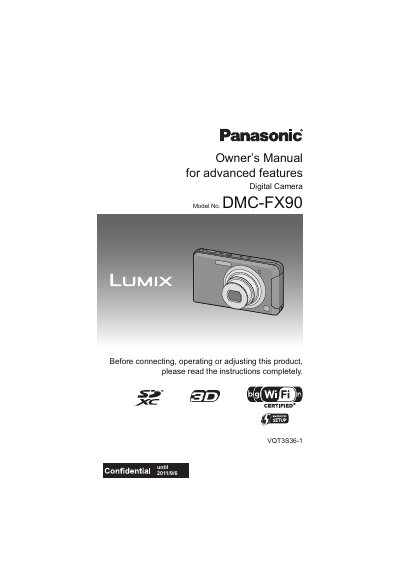

Panasonic DMC-FX90 Digital Camera Owner's Manual - cover page
Brand
Panasonic
Category
Digital cameras
Document type
User Manual
Language
English
Pages
193
File format
PDF
File size
5.1 MB
Published
09 August, 2012
Updated
30 September, 2023
MD5 checksum
4A7CB65433733F55083181C97716B212

About this manual

This document is the Owner's Manual for the Panasonic DMC-FX90 digital camera. It covers essential topics such as care instructions, standard accessories, and the functions of main parts. The guide details how to use the touch panel for various operations, including taking pictures, playing back images, and adjusting settings like zoom and white balance. It also explains how to record motion pictures and utilize scene-specific modes.

What's inside

  • Care of the camera
  • Standard Accessories
  • Names and Functions of Main Parts
  • How to Use the Touch Panel
  • Charging the Battery
  • Taking Pictures
  • Playing Back Pictures
  • Setting the Menu
  • Wi-Fi Function
  • Troubleshooting

Frequently asked questions

How long should I wait for condensation to disappear from the lens or LCD monitor?

Turn the camera off and leave it for about 2 hours until the temperature matches the ambient environment.

What should I do if condensation appears on the lens or LCD monitor?

Turn the camera off and leave it for about 2 hours until the fog disappears naturally.

Can I use this camera in dusty, sandy, or wet environments?

No, because it is not dust/splash/water proof and foreign material may cause malfunctions.

Download PDF (5.1 MB)

More Panasonic Manuals


View all Panasonic manuals →