
Key facts
- Brand
- OPPO
- Model
- ColorOS 12
- Category
- Smartphones
- Documents
- 6
- Languages
- ES · FR · ZH · EN
- Last added
- 2023-10-17
Start here
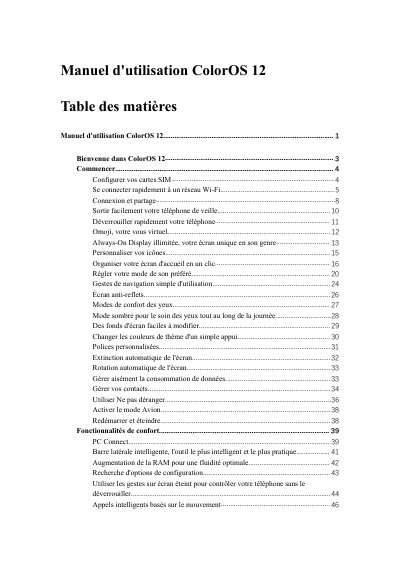
OPPO ColorOS 12 User Manual
This manual provides instructions for using the ColorOS 12 interface on OPPO devices. It covers essential setup tasks such as configuring SIM cards and connecting to Wi-Fi networks. The guide also explains how to manage data usage, share connections via USB or Bluetooth, and utilize various connectivity features like Wi-Fi Direct and Passpoint. This manual is written in French.
Read onlineAll OPPO ColorOS 12 documents by type
Day-to-day operation, settings and troubleshooting. Start here if the product is already set up.
Questions answered in these manuals
How many SIM cards can be inserted into the phone?
You can insert two SIM cards if the device supports Dual SIM Dual Standby.
What happens to the personal hotspot when no devices are connected?
The personal hotspot turns off automatically after 10 minutes of no connection.
How many SIM cards can be inserted into the OPPO phone?
You can insert two SIM cards into your OPPO phone if it supports dual SIM dual standby (DSDS).
What happens when you connect to a Wi-Fi network with a password?
You must tap the Wi-Fi network and enter the password to connect.
How can I connect to a Wi-Fi network with a password?
Touch the Wi-Fi network and enter the password.
How do I share a Wi-Fi password with another phone?
Open the Wi-Fi details page and touch 'Scan QR code' to show a QR code for the other phone to scan.