
ColorOS 12 user manual, introduces the functions and features of ColorOS 12, such as Always-On Display, Smart Sidebar, Game Space and more
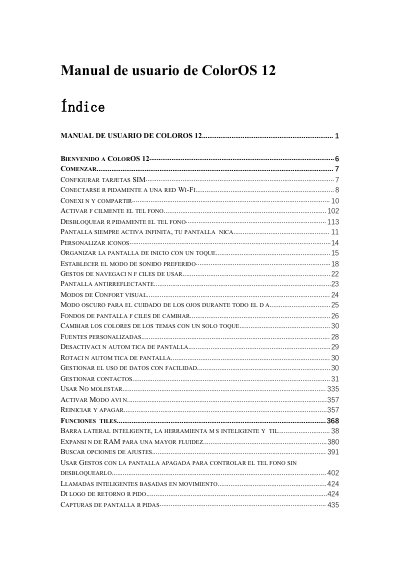
This guide serves as a comprehensive user manual for ColorOS 12, the operating system interface used on OPPO smartphones. It covers essential setup tasks such as configuring SIM cards and connecting to Wi-Fi networks, including advanced features like Wi-Fi acceleration and Passpoint. The manual details how to manage mobile data usage, share internet connections via USB or Bluetooth, and utilize NFC for contactless payments and data transfer. This manual is written in Spanish.
You can insert two SIM cards if the device supports Dual SIM Dual Standby.
The personal hotspot turns off automatically after 10 minutes of no connection.
Touch the Wi-Fi network and enter the password.