
OPPO ColorOS 12 User Manual

ColorOS 12 User Manual
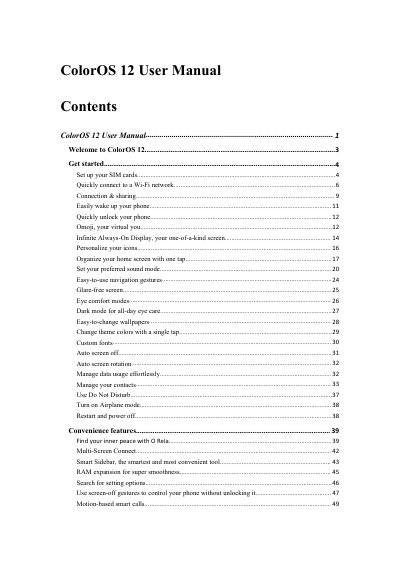

OPPO ColorOS 12 User Manual - cover page
Brand
OPPO
Category
Smartphones
Document type
User Manual
Language
English
Pages
133
File format
PDF
File size
6.5 MB
Published
17 October, 2023
Updated
17 October, 2023
MD5 checksum
7CF90255C4A826CD32A4814F513050B2

About this manual

This manual provides instructions for using the ColorOS 12 operating system on OPPO smartphones. It covers essential setup tasks such as configuring SIM cards and connecting to Wi-Fi networks. The guide details how to manage connectivity, including mobile data usage and Wi-Fi sharing features.

What's inside

  • Welcome to ColorOS 12
  • Get started
  • Connection & sharing
  • Easily wake up your phone
  • Quickly unlock your phone
  • Omoji virtual you
  • Infinite Always-On Display
  • Personalize your home screen
  • Convenience features
  • Privacy and security

Frequently asked questions

Can I use two SIM cards in my OPPO phone?

Yes, you can insert two SIM cards if your device supports dual SIM dual standby (DSDS).

How do I share a Wi-Fi password with another phone?

Open the Wi-Fi details page and tap 'Scan QR code' to display a QR code for the other phone to scan.

Download PDF (6.5 MB)

More OPPO Manuals


View all OPPO manuals →