
Key facts
- Brand
- OPPO
- Model
- RS-232
- Category
- Other Electronics
- Industry
- Electronics
- Documents
- 2
- Languages
- EN
- Last added
- 2012-05-08
Start here
OPPO RS-232 User Manual
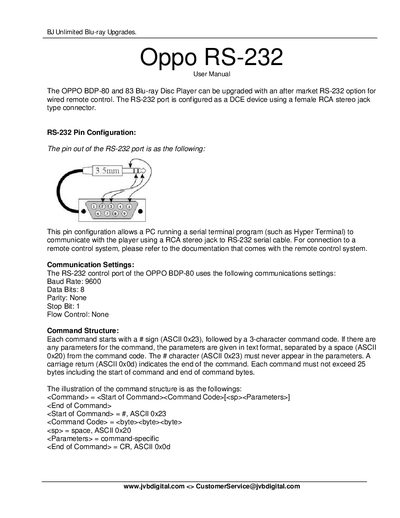
The RS‑232 option adds a DCE‑type serial port to OPPO BDP‑80 and BDP‑83 Blu‑ray Disc Players, using a female RCA stereo jack connector. The manual describes the pin configuration, communication parameters, and how to connect a PC or remote‑control system.
Commands are sent as ASCII strings beginning with a ‘#’ character and terminated with a carriage return. Responses start with ‘@’. The document lists remote‑control button mappings, query commands, advanced commands, and provides an example command‑response sequence for typical operations such as power control, playback, and disc handling.
OPPO RS-232 specifications
| Baud Rate | 9600 |
|---|---|
| Data Bits | 8 |
| Parity | None |
| Stop Bit | 1 |
| Flow Control | None |
Source: OPPO RS-232 User Manual
All OPPO RS-232 documents by type
Day-to-day operation, settings and troubleshooting. Start here if the product is already set up.
Instruction set, parameters and examples for configuring or programming the device.
Questions answered in these manuals
How do I turn the player on using the RS‑232 interface?
Send the command "#PON" and the player will respond with "@OK ON" indicating power is on.
From: OPPO RS-232 User Manual
How can I query the firmware version of the player?
Send the command "#QVR" and the player will reply with the firmware version, e.g., "@OK BDP83-14-0306".
From: OPPO RS-232 User Manual
What type of cable should be used to connect a PC to the BDP-93EU RS-232 port?
Use a straight‑through DB‑9 serial cable; do not use a null‑modem cable.
How are commands terminated in the RS‑232 protocol?
Each command ends with a carriage return (ASCII 0x0d).