
Key facts
- Brand
- OPPO
- Model
- MP4 player
- Industry
- Electronics
- Documents
- 12
- Languages
- ZH · EN
- Last added
- 2012-03-20
Start here
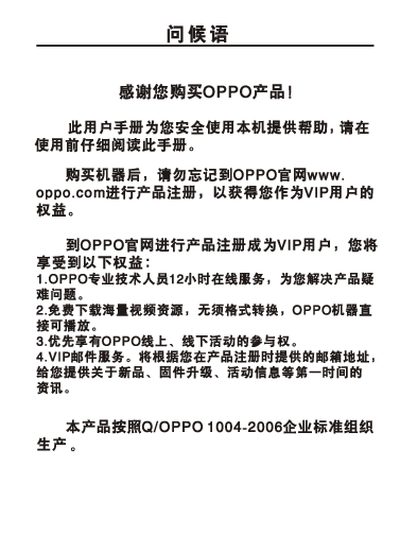
OPPO MP4 Player User Manual
This manual begins with safety precautions for handling the device, including temperature limits, avoiding water exposure, and proper battery care. It also explains charging procedures, USB storage usage, and the recommended charging time of about three hours.
The second part describes the user interface, playback controls, supported audio and video file formats, and lists the technical specifications such as memory capacity, battery size, dimensions, and operating temperature. This manual is written in Chinese.
OPPO MP4 player specifications
| Model numbers | Ss11H, Ss11I, Ss11S |
|---|---|
| Memory capacity | 2 GB / 4 GB / 8 GB |
| Battery | 3.7 V 900 mAh |
| Playback time (MP3) | up to 16 hours |
| Dimensions | 95 mm × 58 mm × 9.9 mm |
| Weight | 91.9 g |
| Audio output level | 92 dB |
| Earphone output | 12 mW + 12 mW (32 Ω) |
| Frequency response | 18 Hz – 20 kHz |
| FM band | 76 MHz – 108 MHz |
| Operating temperature | 0 °C – 35 °C |
| Supported audio formats | MP3, WMA, WAV, OGG, APE, FLAC |
| Maximum video bitrate | 2 Mbps |
Source: OPPO MP4 Player User Manual
All OPPO MP4 player documents by type
Day-to-day operation, settings and troubleshooting. Start here if the product is already set up.
- OPPO MP4 Player User Manual 43 p
- OPPO MP4 Player User Manual 45 p
- OPPO SOL MP4 Player User Manual 43 p
- OPPO VY5L/YV6I/V5S MP4 Player User Manual 39 p
- OPPO Y9L/V9H/V9I MP4 Player User Manual 40 p
- OPPO Y3L/VY3H/VY3I/VY3S MP4 Player User Manual 39 p
- OPPO Y9L MP4 Player User Manual 38 p
- OPPO S5H/S5I/S5S MP4 Player User Manual 34 p
- OPPO VY5L/YV6I/V5S MP4 Player User Manual 38 p
- OPPO D29L/D29H MP4 Player User Manual 32 p
- OPPO MP4 Player User Manual 37 p
- OPPO MP4 Player User Manual 37 p
Questions answered in these manuals
How long does it take to fully charge the OPPO MP4 player?
It takes about three hours to complete a full charge.
What temperature range is safe for operating the player?
The device can be used between 0 °C and 35 °C.
How do I safely disconnect the MP4 player from a computer?
After finishing the transfer, click the “Safely Remove Hardware” icon on the Windows taskbar and follow the prompt to disconnect the USB cable.
What is the longest continuous playing time for MP3 files?
At default volume and normal settings, the player can play MP3 files continuously for about 13 hours.
How do I turn the MP4 player on and off?
Press the power button briefly to turn the device on; press and hold the power button to turn it off.
How can I pause or resume music playback?
In the playback screen, a short press of the play/pause button toggles between pause and play.