
The ColorOS 12 User Manual introduces the functions and features of ColorOS 12, including quick startup, quick unlocking, custom icons, easy switching of audio modes, convenient navigation gestures, anti-glare screen, eye protection mode, free switching of wallpapers, one-key switching of theme colors, custom fonts, automatic screen off, automatic screen rotation, easy management of data, management of contacts, using Do Not Disturb mode, turning on Airplane mode, restarting and shutting down, tile functions, Multi-Screen Connect, Smart Side Bar, RAM expansion, searching for settings options, using lock screen gestures to control the phone, using motion sensing to answer calls, quick return dialog, quick screen capture, split screen function, etc.
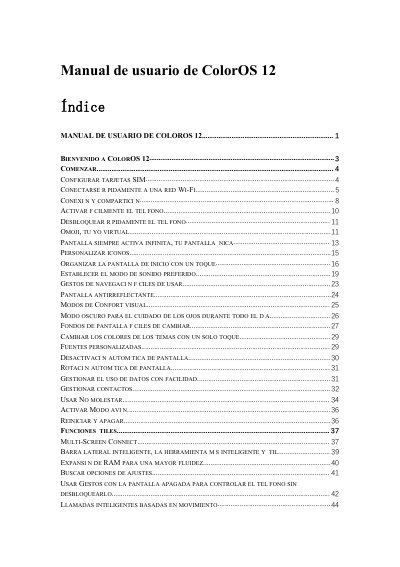
This manual serves as a comprehensive guide for users of the ColorOS 12 operating system, which is designed for OPPO smartphones. It covers essential setup tasks such as configuring SIM cards, connecting to Wi-Fi networks, and managing mobile data. The guide also details how to quickly unlock the phone, use gestures for navigation, and manage notifications through the notification center. This manual is written in Spanish.
Touch the Wi-Fi network and enter the password.
Open the Wi-Fi details page and touch 'Scan QR code' to show a QR code for the other phone to scan.
Go to Settings - Mobile network - Advanced settings - Use mobile data during calls.