
Key facts
- Brand
- OPPO
- Model
- Y9L
- Category
- Other
- Industry
- Electronics
- Documents
- 2
- Languages
- ZH
- Last added
- 2012-03-20
Start here
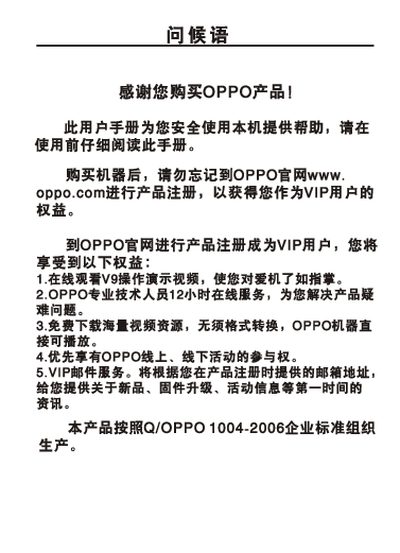
OPPO Y9L/V9H/V9I MP4 Player User Manual
This manual explains how to safely operate the OPPO Y9L/V9H/V9I MP4 player, covering quick start procedures, basic playback, recording, radio, and system settings. It also includes safety notices and registration information for OPPO VIP services.
The document contains detailed sections on quick start, system configuration, interface diagrams, and a full specification table that lists memory, battery, dimensions, audio performance, and supported media formats. This manual is written in Chinese.
OPPO Y9L specifications
| Model | Y9L / V9H / V9I |
|---|---|
| Memory Capacity | 16 / 26 / 46 MB |
| Battery | 3.7 V 520 mAh |
| Continuous MP3 Playback Time | ≈13 hours |
| Dimensions | 86 mm × 50 mm × 6.9 mm |
| Audio Signal‑to‑Noise Ratio | >92 dB |
| Headphone Output | 12 mW + 12 mW into 32 Ω |
| Audio Frequency Range | 18 Hz – 20 kHz |
| FM Radio Frequency Range | 76 MHz – 108 MHz |
| Supported Audio Formats | MP3 16‑320 kbps, WMA 16‑192 kbps |
| Supported Image Format | JPEG up to 8‑8 MP, max width 2506 px |
All OPPO Y9L documents by type
Day-to-day operation, settings and troubleshooting. Start here if the product is already set up.
Questions answered in these manuals
How can I adjust the volume while playing music?
Press or hold the volume keys during music playback to increase or decrease the sound level.
How long will the battery last when playing MP3 files continuously?
The MP3 playback time is approximately 13 hours on a full charge.
How can I adjust the volume while playing music?
Press the volume button briefly or hold it down to increase or decrease the sound level during playback.
How do I delete a file from the device?
In the file‑browse screen, long‑press the desired file and select the delete option.