
Key facts
- Brand
- OPPO
- Model
- BDP-80
- Documents
- 3
- Languages
- EN · ZH
- Last added
- 2026-11-09
Start here
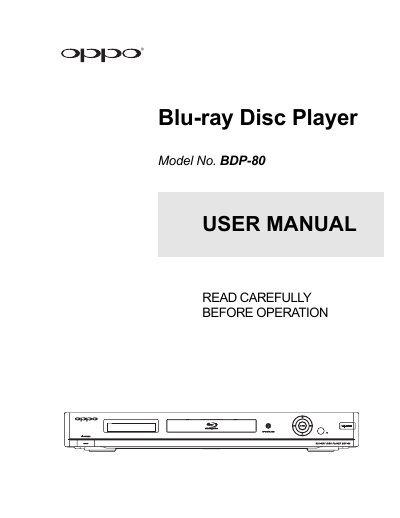
Oppo BDP-80 Blu-ray Player User Manual
This manual provides step-by-step instructions for setting up and operating the Oppo BDP-80 Blu-ray player. It covers connecting to displays and audio systems, configuring video and audio output, using the remote control, and managing playback options including discs, USB media, and network settings. The guide also includes troubleshooting tips and technical specifications.
Read onlineAll Oppo BDP-80 documents by type
Day-to-day operation, settings and troubleshooting. Start here if the product is already set up.
Questions answered in these manuals
What is the parental control password shown in the checklist?
The password field shows 0 0 0 0.
Which settings are not changed by Reset Factory Default?
The Parental Control settings are not changed, and the remote control code is also not changed by Reset Factory Default.
How should I clean the Blu-ray disc?
Clean the disc with a clean cloth, wiping from the center outwards along the rays. Do not use circular motions or cleaning sprays.
What happens if water condenses inside the player?
If condensation appears on the laser head, turn the unit on for 1-2 hours without a disc to remove the moisture before normal operation.
What audio formats are supported?
The player supports various audio formats including Dolby Digital and DTS, with options for speaker configuration and audio processing.
How do I set up the player?
Use the Easy Setup Wizard to choose video output, resolution, display aspect ratio, and audio settings.