
Key facts
- Brand
- OPPO
- Model
- CPH2219
- Category
- Smartphones
- Documents
- 2
- Languages
- TR · EN
- Last added
- 2026-10-16
Start here
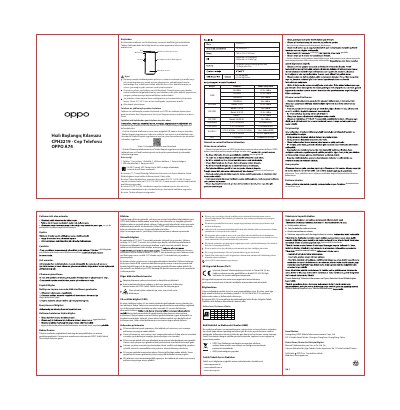
OPPO A74 CPH2219 User Manual
This manual covers the safe usage, maintenance, and care of the OPPO A74 CPH2219 smartphone. It includes instructions on how to use the device, transfer data from other phones, and handle the battery and charging safely. Important safety warnings regarding heat, water, and physical damage are highlighted to ensure the longevity of the device. This manual is written in Turkish.
Read onlineOPPO CPH2219 specifications
| Screen Size | 16.34cm (6.43'') |
|---|---|
| Dimensions | 160.3×73.8×7.95(mm) |
| Battery Capacity (Typ) | 5000mAh/19.35Wh |
| Rear Camera | 48 Mega+2Mega+2Mega piksel |
| Front Camera | 16 Mega piksel |
| Operating Temperature | 0°C to 35°C |
| Storage Temperature | -20°C to 45°C |
Source: OPPO A74 CPH2219 User Manual
All OPPO CPH2219 documents by type
Day-to-day operation, settings and troubleshooting. Start here if the product is already set up.
Questions answered in these manuals
What is the recommended charging temperature range?
The device should be charged in an environment between 5°C and 35°C.
Can I use third-party accessories with this phone?
No, only accessories included in the box or officially supplied by OPPO should be used.
How do I reboot the phone?
Press and hold the Power Button and Volume Up Button at the same time until the OPPO boot animation is displayed.
From: OPPO CPH2219 User Manual
How can I transfer data from an old iPhone?
Run the 'Clone Phone' app on your new phone and follow the onscreen instructions to migrate your data from your iCloud account.
From: OPPO CPH2219 User Manual