
Oppo BDP-80 Blu-ray Player User Manual

This is a user manual for the BDP-80 Blu-ray player
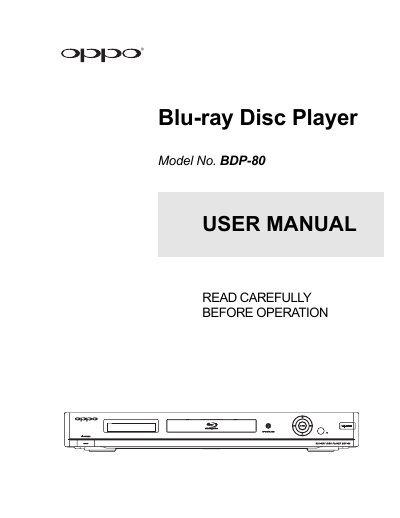

Oppo BDP-80 Blu-ray Player User Manual - cover page
Brand
OPPO
Document type
User Manual
Language
English
Pages
76
File format
PDF
File size
2.1 MB
Published
17 October, 2023
Updated
17 October, 2023
Model
BDP-80
MD5 checksum
87CFD5A483E3231AD2EB3698EE8A0CC5

About this manual

This manual provides step-by-step instructions for setting up and operating the Oppo BDP-80 Blu-ray player. It covers connecting to displays and audio systems, configuring video and audio output, using the remote control, and managing playback options including discs, USB media, and network settings. The guide also includes troubleshooting tips and technical specifications.

What's inside

  • Important Information
  • Installation
  • Front Panel Controls
  • Remote Control
  • Connecting to Display
  • Connecting to Audio System
  • Connecting to Internet
  • Easy Setup Wizard
  • Basic Operations
  • Advanced Operations

Specifications

ModelBDP-80

Frequently asked questions

What audio formats are supported?

The player supports various audio formats including Dolby Digital and DTS, with options for speaker configuration and audio processing.

How do I set up the player?

Use the Easy Setup Wizard to choose video output, resolution, display aspect ratio, and audio settings.

Download PDF (2.1 MB)

More OPPO Manuals


View all OPPO manuals →