
This is the user manual for the OPPO BDP-80 Blu-ray player, covering installation, operation, settings, and troubleshooting.
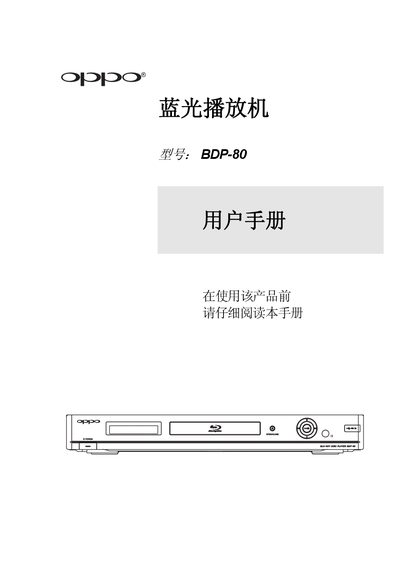
The document serves as a comprehensive guide for the OPPO BDP-80 Blu-ray player. It details safety precautions, icon descriptions, and compatible disc categories such as BD-Video, DVD-Video, and SACD. The manual also lists discs that cannot be played, including HD DVD and certain protected music CDs.
The guide provides instructions on installing the unit, connecting it to various display and audio systems via HDMI, DVI, or component video, and setting up the remote control. It covers basic operations like playback, menu navigation, and volume control, as well as advanced features such as BD-Live, picture-in-picture, and playing media files from USB drives. This manual is written in Chinese.
| Input Voltage Range | AC 100V-240V, 50/60Hz |
|---|
Clean the disc with a clean cloth, wiping from the center outwards along the rays. Do not use circular motions or cleaning sprays.
If condensation appears on the laser head, turn the unit on for 1-2 hours without a disc to remove the moisture before normal operation.