
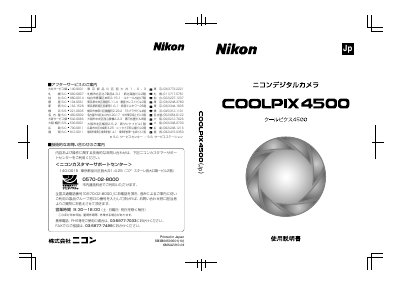
Nikon COOLPIX4500 Digital Camera User Manual


Nikon COOLPIX4500 Digital Camera User Manual - cover page
Brand
Nikon
Category
Digital cameras
Document type
User Manual
Language
Japanese
Pages
197
File format
PDF
Published
25 September, 2011
Updated
29 September, 2023
MD5 checksum
DCA1A1293FB291FEF26F093BADEA6A88

About this manual

The Nikon COOLPIX4500 user manual explains the operational flow from preparing the camera and setting up menus to shooting, playback, deleting images, and transferring images to a computer. It also covers viewing images on a television.

The manual states that the COOLPIX4500 comes with a Quick Start Guide, this user manual, and a Nikon View 5 Reference Manual on CD-ROM. It also notes that the Rechargeable Battery EN-EL1 is compatible with the COOLPIX4500. This manual is written in Japanese.

What's inside

  • Preparing for Shooting
  • Auto Shooting
  • Scene Mode
  • Shooting Menu
  • Basic Playback
  • Playback Menu
  • Deleting Images
  • Connecting to a Computer
  • Viewing on a TV
  • Safety Precautions

Frequently asked questions

What manuals are supplied with the COOLPIX4500?

A Quick Start Guide, a User Manual, and a Nikon View 5 Reference Manual on CD-ROM are supplied.

What is the Rechargeable Battery EN-EL1 described as?

It is described as a rechargeable battery dedicated to Nikon digital cameras.

What should you do with the power source if the camera will not be used for a long time?

Remove the battery or AC adapter.

Where should the camera be stored when it is not in use?

Store it in a place that is not exposed to sunlight.

Download PDF

More Nikon Manuals


View all Nikon manuals →