
The Kyocera FS-1040/FS-1060DN printer user manual explains operation, paper loading, maintenance, and troubleshooting.
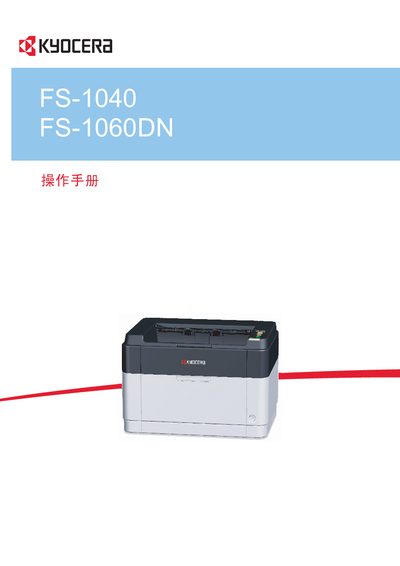
This manual provides step‑by‑step instructions for operating the Kyocera FS‑1040 and FS‑1060DN printers. It covers machine components, connection setup, driver installation, paper loading, routine maintenance, and troubleshooting of common issues such as paper jams.
Safety warnings, environmental operating limits, and detailed specifications are included, along with information on optional accessories like the KYOCERA Client Tool and Net Viewer software. This manual is written in Chinese.
| Operating Temperature | 10 °C to 32.5 °C |
|---|---|
| Operating Humidity | 15 % to 80 % |
| Label Paper Front Layer Weight | 44 g/m² to 74 g/m² |
| Supported Paper Weight | up to 64 g/m² |
Use paper up to 64 g/m² and avoid ink‑jet paper or paper with special surface coatings, as they may cause jams.
The printer has built‑in duplex printing; printing two single‑sided pages on one sheet reduces paper usage.
The printer automatically enters sleep mode about one minute after the last use.
Operate the printer at temperatures between 10 °C and 32.5 °C and humidity between 15 % and 80 %.